> For the complete documentation index, see [llms.txt](https://support.waderaviation.com/llms.txt). Markdown versions of documentation pages are available by appending `.md` to page URLs; this page is available as [Markdown](https://support.waderaviation.com/quick-start/airports/weather.md).
# Weather
Access live METAR and TAF data for any airport directly in Wader.
The **Weather tab** on any airport detail page shows the latest meteorological information for that airport.
***
## METAR and TAF
Use the **METAR / TAF selector** to toggle between the two report types:
| Report | What it shows |
| --------- | ------------------------------------------------------------------------------ |
| **METAR** | Current weather observation — wind, visibility, clouds, temperature, altimeter |
| **TAF** | Terminal aerodrome forecast — expected conditions over the next period |
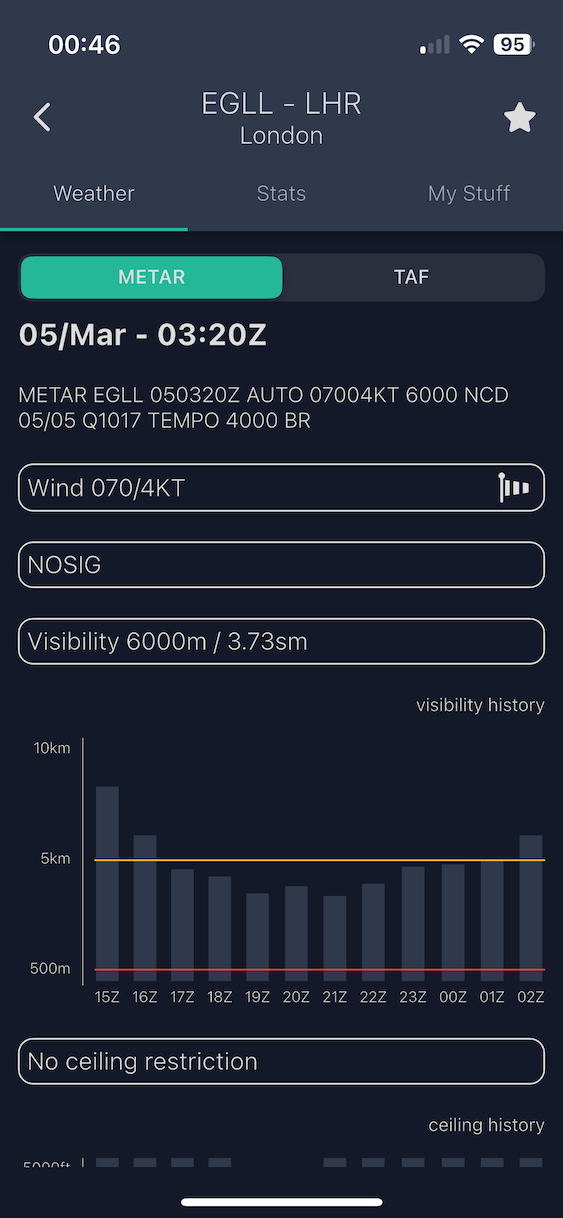
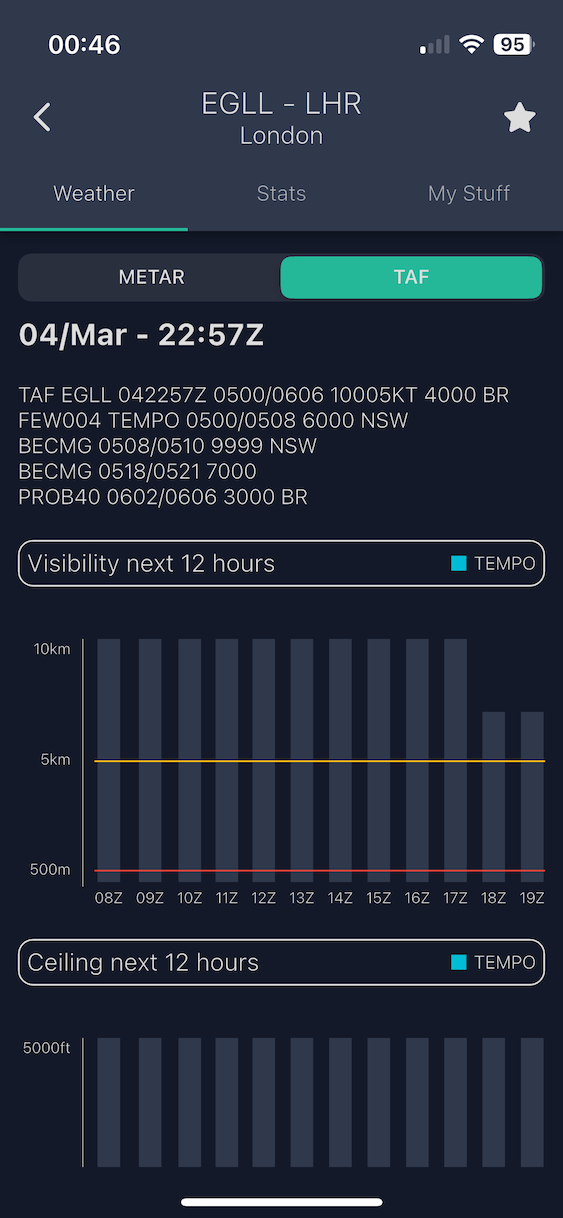
Both report types are shown in **raw format** alongside a **decoded interpretation** for easier reading.
Tap the **refresh button** to fetch the latest data. If no data is available for an airport, a "no data" message is displayed.
Live METAR with raw and decoded views
TAF showing the terminal aerodrome forecast
***
### Weather history graphs
The Weather tab also includes **graphical charts** showing recent weather trends for the airport — a visual representation of conditions over time to help you quickly spot patterns in wind, visibility, and cloud cover.
***
## Offline Behavior
Weather data requires an internet connection.
{% hint style="warning" %}
If you are offline, the last loaded weather data may still be visible from cache, but a message will indicate that the data may be outdated.
{% endhint %}